wellness
2024/09/12

In our fast-paced world, where every second seems to slip through our fingers, mastering time management is more crucial than ever. It’s not merely about scheduling appointments or ticking off tasks; it’s about creating a seamless workflow that helps us reclaim control over our days. This blog post, "Master Your Day: Transform Your Workflow with Effective Time Management Sheets and Tools," invites you to explore the art of personalized time management. We’ll delve into the creation of tailored time management sheets that reflect your unique needs, energy levels, and priorities, allowing you to visualize your commitments and allocate your time with precision.
Imagine beginning your day equipped with a dynamic blueprint that not only organizes your tasks but also highlights what truly matters. By integrating essential tools—both digital and physical—you'll learn how to elevate your planning process to new heights, ensuring that you're not just busy but genuinely productive. Through the insights gained from recent research on technology-driven solutions and advanced tools like the Personalized Time Manager (PTIME), you'll discover how to foster a more intimate relationship with your time. The ultimate goal? Transitioning from a reactive state of chaos to a proactive state of clarity, paving the way for increased satisfaction and success in your daily life. Join us as we unlock the secrets to mastering your day and transforming your workflow for the better.
In today's fast-paced world, time management has transformed from simple scheduling into an essential skill for achieving clarity and efficiency in our workflows. Time management is not merely about what tasks you have to accomplish; it's about how you perceive and utilize your time, making it a central element in not just productivity but also personal well-being.
Consider the impact of personalized time management sheets. Imagine starting your day with a customized sheet that outlines your tasks while also factoring in your energy levels, priorities, and deadlines. This is more than a checklist; it's a dynamic blueprint for your day. By categorizing tasks based on urgency and importance, you can prioritize effectively and reduce the chaos that often comes from overwhelming to-do lists.
For example, a teacher might use a time management sheet to differentiate between lesson planning, grading, and meetings, assigning energy levels to each task based on when they feel most productive. This proactive approach allows them to focus on what truly matters, creating a structured path toward their goals.
The rise of technology-driven solutions has further revolutionized our approach to time management. A notable development is the Personalized Time Manager (PTIME), which builds on the earlier personalized calendar agent (PCalM). PTIME embodies the idea that an intelligent assistant must adapt to users' changing needs, enhancing its utility over time. This advanced system incorporates features such as soft constraint satisfaction and enhanced learning mechanisms, enabling it to provide personalized recommendations and streamline commitments.
Consider a busy professional using PTIME. The app can analyze their schedule, suggest optimal times for meetings based on their energy levels, and even alert them when deadlines are approaching. By integrating interactive calendars and task lists, PTIME allows users to visualize their commitments, making it easier to identify inefficiencies and adjust their workflows accordingly.
The interaction between users and time management systems is critical. The PTIME system is designed to foster a dynamic dialogue with users, learning from their behavior to provide increasingly tailored support. By understanding user preferences and adapting to their evolving needs, PTIME builds trust, which is essential for effective time management.
Imagine a project manager utilizing this system. As they input new tasks and deadlines, PTIME learns which types of tasks require more attention and which can be delegated. This capability reduces the need for constant user engagement, allowing them to focus on higher-level decision-making rather than getting bogged down in minutiae.
Ultimately, effective time management is about fostering a relationship with your time. It’s not just a series of obligations; it's about creating a workflow that aligns with your personal and professional goals. By leveraging personalized time management sheets and advanced tools like PTIME, you can transition from a reactive state of chaos to a proactive state of clarity.
This shift ensures that every hour spent is an investment in your productivity and well-being. In a world where time is often perceived as a commodity, embracing a personalized strategy can revolutionize how we approach our daily tasks, leading to greater satisfaction and success.
Effective time management sheets serve as a vital tool in the quest for clarity and efficiency in our increasingly busy lives. By tailoring these sheets to fit individual needs, you can transform your daily routine into a structured and purposeful experience.
Imagine waking up each day with a time management sheet that not only lists your tasks but also reflects your personal energy levels, priorities, and deadlines. This is more than just a to-do list; it’s a dynamic blueprint for your day. For instance, you might categorize tasks into quadrants based on the Eisenhower Matrix, distinguishing between what is urgent and important. This helps in identifying what tasks demand immediate attention and which can be scheduled for later, creating a more organized approach to your workload.
Understanding your natural energy peaks can significantly enhance your productivity. For example, if you know you are most alert in the morning, you can allocate high-priority tasks during that time. Conversely, tasks that require less mental effort can be scheduled for when your energy dips. This personalized approach allows you to tackle each task with the vigor it deserves, making for a more efficient workflow.
To further elevate the effectiveness of your time management sheets, consider integrating technology. Digital planners and project management applications can sync with your personalized sheets, providing reminders, tracking progress, and even facilitating collaboration for team projects. For instance, a tool like Trello or Asana can be used alongside your time management sheet to visualize your tasks in a kanban-style format, allowing for an intuitive understanding of what needs to be accomplished each day.
Many successful individuals have harnessed the power of personalized time management sheets. For example, Tony Robbins, a renowned life coach, emphasizes the significance of effective scheduling. He uses a time-blocking technique that involves allocating specific chunks of time for different activities, ensuring that his day is well-structured and focused. This technique mirrors the principles of the Personalized Time Manager (PTIME) system, which adapts to user needs and provides recommendations based on user behavior.
Research indicates that incorporating data visualization into your time management sheets can enhance understanding and retention of information. Tools that offer interactive calendars and detailed reports enable users to streamline their commitments and identify inefficiencies. For example, a color-coded calendar can visually represent different types of tasks or projects, immediately conveying urgency and importance at a glance.
The development of advanced tools like PTIME highlights the importance of user-system interaction in time management. By learning from user behavior, such systems can adapt and make personalized recommendations, thereby fostering trust and reducing the need for constant user engagement. This adaptability allows users to focus on their priorities without constantly recalibrating their time management strategies.
An error occurred while generating the blog content. Please try again.
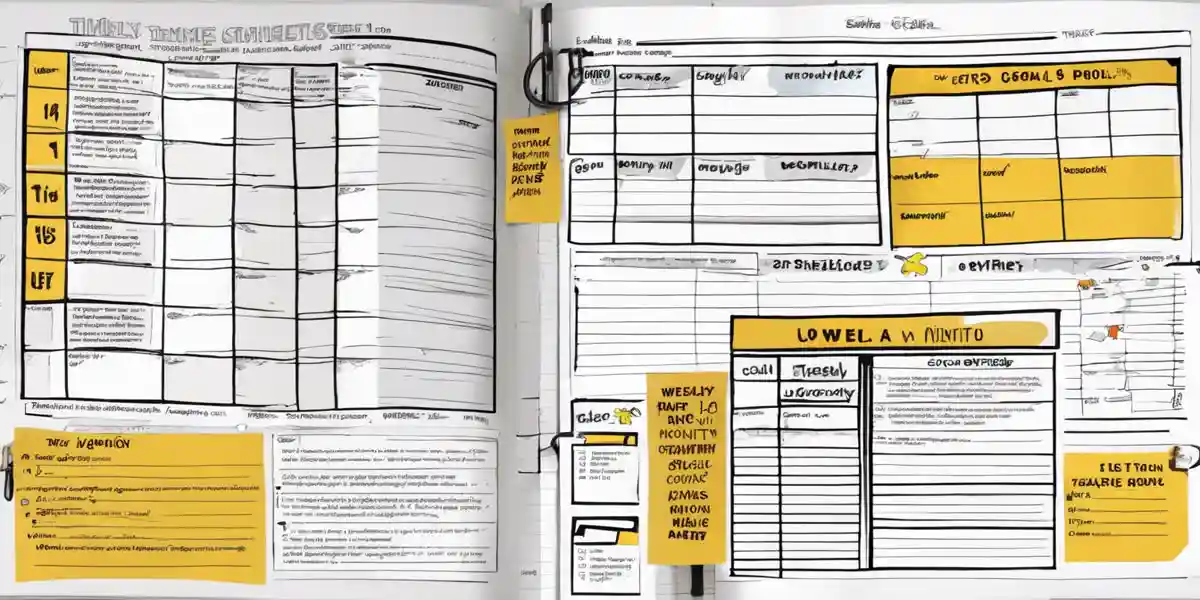
Weekly and monthly overview sheets are essential tools in mastering your workflow. These sheets allow you to visualize your commitments over a longer period, helping you to allocate your time efficiently and strategically plan your tasks. By having a clear view of your upcoming weeks or months, you can make informed decisions about your priorities and energy levels.
In a world where tasks can quickly pile up, having a bird's eye view of your schedule can dramatically reduce stress and improve productivity. For instance, consider the case of Sarah, a project manager juggling multiple deadlines. By utilizing a monthly overview sheet, she can see all her projects at a glance, allowing her to allocate her time better and avoid last-minute rushes. This proactive approach not only helps her manage her workload but also gives her the space to plan for unexpected challenges that may arise.
When designing your weekly and monthly overview sheets, consider including sections for:
To take your overview sheets to the next level, consider incorporating technology-driven solutions. Apps like Trello or Asana can sync with your overview sheets, providing an interactive platform where you can drag and drop tasks as you progress. These tools utilize smart algorithms to help you prioritize effectively. For example, as you complete tasks, the app can automatically suggest the next most pressing item based on deadlines and your current workload.
Recent advancements in time management technology, such as the Personalized Time Manager (PTIME), illustrate the evolution in this field. PTIME is designed to learn and adapt to your preferences, offering personalized recommendations based on your past behavior. It utilizes soft constraint satisfaction and multicriteria optimization to provide a more responsive experience. For someone like Sarah, PTIME could suggest adjusting her workload based on her energy levels or upcoming deadlines, thus enhancing her overall productivity.
While weekly sheets help manage immediate tasks, monthly sheets are invaluable for long-term planning. They can serve as a roadmap, helping you set aside time for professional development, vacations, or personal projects. For example, if you aspire to learn a new skill, blocking out time in your monthly overview sheet ensures that you're consistently working towards that goal, rather than waiting for a free moment that may never come.
Finally, make it a habit to review your weekly and monthly overview sheets regularly. This reflection allows you to assess what worked and what didn’t, helping you refine your approach over time. By evaluating your effectiveness, you can continuously adapt your sheets to better serve your needs, creating a cycle of improvement that enhances your time management skills and overall well-being.

In today's fast-paced world, effectively managing your time is not merely an option; it’s a necessity. The landscape of time management tools has evolved significantly, offering innovative solutions that cater to diverse needs and preferences. This section explores the essential time management tools that can help streamline your workflow and enhance your productivity.
At the heart of effective time management lies the personalized time management sheet. This dynamic tool allows you to tailor your daily tasks according to your specific energy levels, priorities, and deadlines. By structuring your day based on what truly matters, you can reduce the chaos often associated with overwhelming to-do lists.
For example, imagine starting your day by reviewing a customized sheet that categorizes tasks into urgent and important sections. This not only helps in prioritizing your commitments but also allows for a visual representation of your workload. As a practical implementation, consider using a simple Excel spreadsheet or Google Sheets to create your personalized layout, including columns for task description, priority level, estimated time, and actual time spent.
Digital planners have revolutionized the way we approach scheduling. Applications like Notion, Todoist, and Trello integrate seamlessly with your personalized sheets, providing features such as reminders, progress tracking, and collaborative tools for team projects. These planners often utilize smart algorithms that adapt to your workflow, enhancing your overall time management experience.
A recent study highlighted an innovative time management application that employs intuitive data visualization and personalized recommendations. Users can access interactive calendars and detailed reports, helping them identify inefficiencies and streamline their commitments. Such tools can transform your planning process, enabling you to interact with your tasks in a more engaging manner.
The PTIME system represents a significant leap in time management technology. Evolving from earlier models, PTIME adapts to users' changing needs, ensuring sustained utility and relevance. By incorporating advanced features like soft constraint satisfaction and enhanced learning mechanisms, PTIME builds a responsive and effective tool for managing time-related tasks.
Users benefit from its ability to learn from behavior patterns, fostering trust and reducing the necessity for constant user input. For instance, if you typically schedule meetings in the morning, PTIME can adjust its recommendations accordingly, suggesting optimal time slots based on your past preferences. This proactive approach allows for a seamless integration of personal workflows with time management strategies.
Task management applications like Asana, Basecamp, and ClickUp provide comprehensive platforms for organizing tasks and projects. These tools not only allow for the creation of detailed task lists but also facilitate team collaboration and communication. By breaking down projects into actionable tasks, users can monitor progress and ensure that deadlines are met without the overwhelm.
For example, a project manager can use Asana to create a project board divided into stages, assigning specific tasks to team members and setting due dates. This visibility into each member's workload promotes accountability and fosters a collaborative environment, enhancing overall productivity.
Understanding how you allocate your time is crucial for effective management. Time tracking software like Toggl and Harvest enables users to monitor the time spent on various tasks, providing insights into where improvements can be made. These tools allow for detailed reporting, helping you identify time drains and make informed adjustments to your workflow.
For instance, if you notice that certain tasks consistently take longer than expected, you can reevaluate your approach, set more realistic deadlines, or adjust priorities. This data-driven insight empowers users to optimize their time and become more efficient in their daily activities.
In an era where our schedules are packed and distractions are abundant, leveraging digital tools and apps has become a game changer in the realm of time management. These innovative solutions not only enhance our productivity but also allow us to tailor our workflows to fit our unique needs and preferences.
Imagine having an application that not only helps you keep track of your tasks but also learns from your behavior over time. One such tool is the Personalized Time Manager (PTIME), which evolves from the earlier personalized calendar agent (PCalM). PTIME employs advanced algorithms capable of adapting to your changing needs, offering features like soft constraint satisfaction and enhanced learning mechanisms. This means that as you engage with the app, it begins to understand your preferences and habits, allowing it to suggest optimal times for tasks based on your past performance and energy levels.
For example, if you consistently perform better in the morning, PTIME is designed to prioritize your most demanding tasks during those hours, freeing up your afternoons for lighter activities. This kind of intuitive scheduling fosters a more personalized approach to managing your time, reducing the cognitive load of decision-making throughout the day.
Another significant advantage of modern digital tools is their ability to present information through intuitive data visualization. Many time management applications now feature interactive calendars and detailed reports that help users visualize their commitments. By utilizing these visual tools, you can quickly identify inefficiencies in your schedule. For instance, if you notice a cluster of meetings back-to-back without breaks, you can easily rearrange your tasks to create a more balanced day.
The use of color-coded systems to categorize tasks—such as urgent, important, and low-priority—allows for quicker assessments, ensuring that you focus on what truly matters. This visual approach not only enhances clarity but also motivates you to stay on track.
To maximize the effectiveness of your time management strategy, consider integrating your digital tools with other applications. Many digital planners and project management apps, such as Trello or Asana, offer synchronization features that allow you to connect with your personalized time management sheets. This integration means that as you update your progress in one app, it automatically reflects in the other. Such connectivity can significantly streamline your workflow and provide a comprehensive overview of your tasks and projects.
Moreover, these tools often come equipped with reminder systems, ensuring that you never miss a deadline. When working in teams, collaborative features allow for seamless communication, making it easier to delegate tasks and keep everyone aligned on project goals.
As we increasingly rely on technology to manage our time, the relationship between users and their digital assistants is evolving. With the advancements in tools like PTIME, the focus is on fostering a dynamic interaction where the system learns from you rather than requiring constant input. This level of adaptability builds trust, making users more likely to engage with the system.
For instance, PTIME’s ability to use multicriteria optimization ensures that it can balance various aspects of your schedule—work commitments, personal time, and even downtime—creating a holistic approach to time management. The result is a supportive system that not only assists in scheduling but also actively contributes to enhancing your overall well-being.
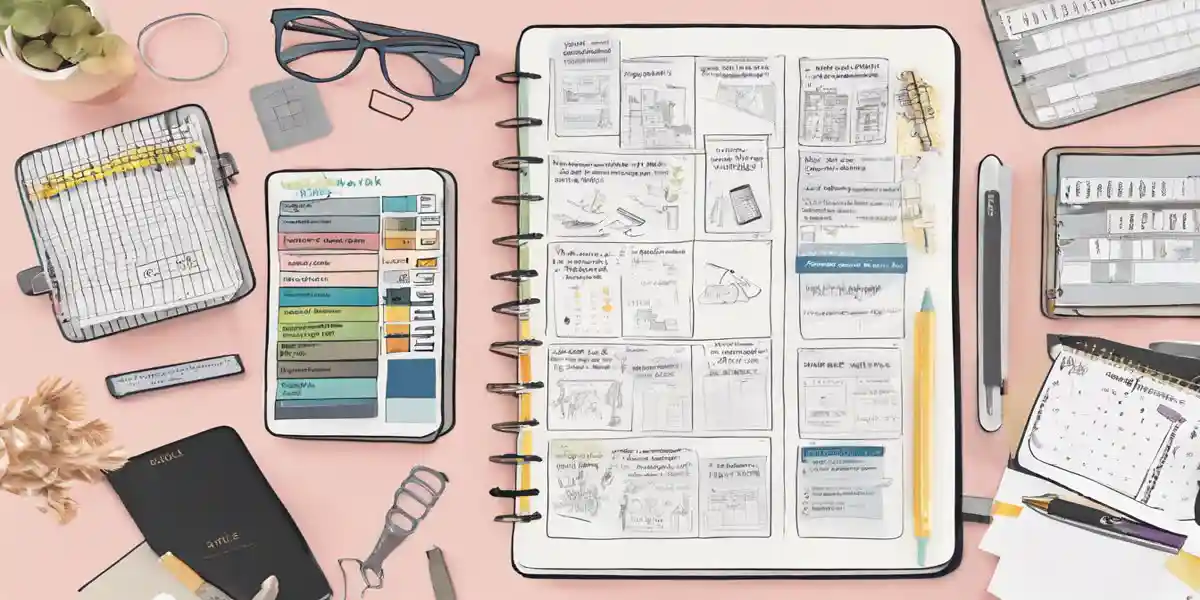
In the realm of time management, physical tools and planners offer a tactile and visual approach that can enhance productivity. While digital solutions are increasingly popular, many individuals still find that writing things down in a planner helps solidify their commitments and enhance focus. Let's delve into the various types of physical tools and planners that can help transform your workflow.
Traditional paper planners come in various formats—daily, weekly, or monthly layouts. A well-designed planner allows you to allocate specific time blocks to tasks, set priorities, and track deadlines. For example, the Passion Planner incorporates a unique layout that encourages users to reflect on their goals and break them down into actionable steps. This planner not only helps you schedule tasks but also encourages self-reflection, promoting a more meaningful engagement with your time.
The Bullet Journal system offers a customizable approach to time management. It allows you to create collections, lists, and logs tailored to your personal style and needs. By using symbols to denote tasks, events, and notes, you can quickly glance at your progress and see what needs attention. The flexibility of bullet journals makes them an ideal choice for those who thrive on creativity and want to infuse their time management system with personality.
Time blocking is a technique that involves dividing your day into blocks of time dedicated to specific tasks or activities. An hourly planner can facilitate this approach by providing an hourly breakdown of your day. Tools such as the Erin Condren LifePlanner are designed with time blocking in mind, featuring hourly layouts that help you visualize your day. For example, if you allocate a two-hour block for deep work on a project, you can see exactly when you'll need to shift gears, reducing the cognitive load of constant task-switching.
Physical task lists and checklists can be incredibly effective for managing daily responsibilities. The act of physically checking off completed tasks provides a sense of accomplishment and reinforces positive behavior. A simple notepad or a dedicated task management notebook can serve this purpose. Consider employing the 2-Minute Rule: if a task will take less than two minutes to complete, do it immediately. Writing down such tasks in a designated section of your planner can help you cultivate a habit of productivity.
Some planners combine multiple elements to provide a more comprehensive time management experience. For instance, the Panda Planner integrates daily scheduling, goal tracking, and gratitude journaling. This multifunctionality not only keeps you organized but also fosters personal growth and mindfulness. By reviewing your goals alongside your daily tasks, you can maintain alignment with your long-term objectives while managing daily responsibilities.
Regardless of the physical tool you choose, personalization is key. Tailoring your planner to your unique workflow and preferences can significantly enhance its effectiveness. For example, if you find that visual cues work better for you, consider using colored pens or stickers to categorize tasks. Research shows that systems like the Personalized Time Manager (PTIME) leverage user preferences to optimize time management. While PTIME is a digital solution, its principles apply to physical tools as well—understanding how you interact with your tasks can inform how you set up and utilize your planner.
Consider the case of a busy professional who juggles multiple projects at work while managing personal commitments. By using a physical planner that incorporates time blocking, they can visually allocate time for each project and personal task, ensuring nothing slips through the cracks. They might also keep a running checklist for daily tasks, which provides a quick overview of their workload and allows for the satisfaction of checking off completed items. This approach exemplifies how blending various physical tools can lead to a more organized and efficient workflow.
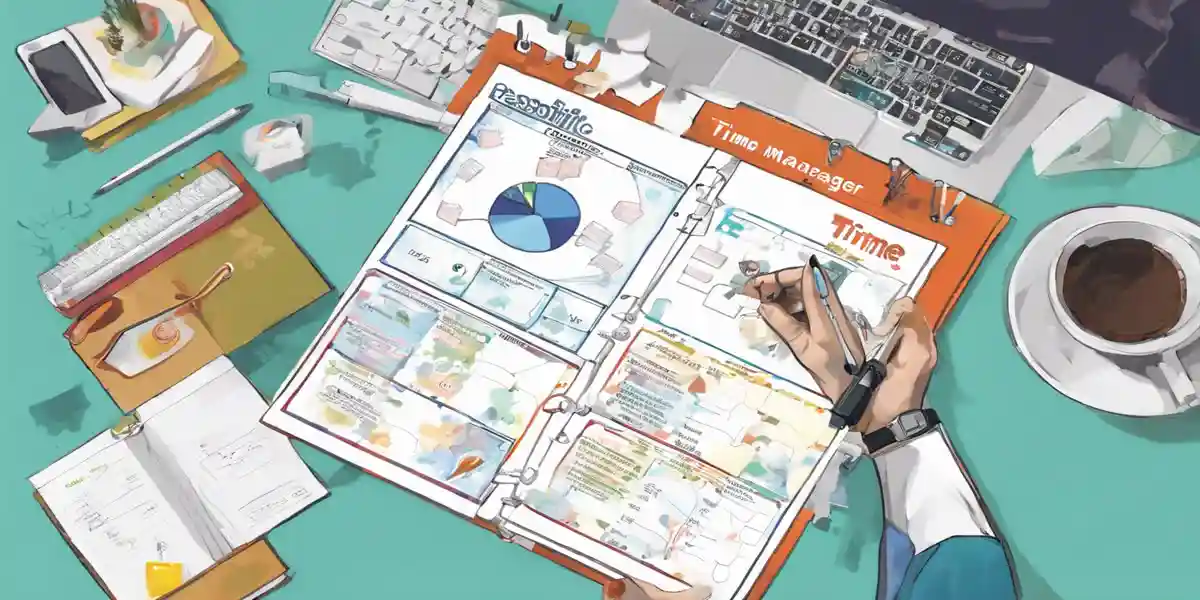
In today's fast-paced environment, effective time management is not just about filling out a calendar; it’s about creating a personalized ecosystem that adapts to your unique workflow. By leveraging personalized time management sheets alongside innovative technological solutions, you can transform your daily routine into a seamless operation that promotes productivity and reduces stress.
Imagine waking up each morning to a time management sheet tailored specifically for you. This is not just a list of tasks but a dynamic blueprint that incorporates your personal energy levels, priorities, and deadlines. For instance, if you know you’re most productive in the morning, you could schedule your most challenging tasks during that time. Conversely, lighter tasks can fill your afternoons when your energy might dip.
To create such a sheet, start by categorizing your tasks into four quadrants based on urgency and importance—a method popularized by the Eisenhower Matrix. This allows you to focus on what truly matters, eliminating the chaos that often accompanies overwhelming to-do lists. For example, tasks that are both urgent and important should be prioritized, while those that are neither can be delegated or eliminated altogether.
While personal time management sheets lay the foundation, integrating technology can elevate your workflow significantly. Consider utilizing digital planners or project management applications that sync with your personalized sheets. Tools like Trello, Notion, or Todoist can provide interactive features such as reminders, progress tracking, and collaboration capabilities, particularly beneficial if you’re part of a team.
Research indicates that these technology-driven solutions can significantly enhance productivity. One study introduced an innovative time management application that leverages intuitive data visualization and smart algorithms to help users streamline their commitments and identify inefficiencies. By utilizing interactive calendars and detailed reports, users can visualize their schedules, making adjustments as needed to optimize their time management practices.
Further pushing the boundaries of personalized time management, the development of the Personalized Time Manager (PTIME) reflects a significant advancement in intelligent systems. PTIME evolves from earlier models and incorporates features such as soft constraint satisfaction and enhanced learning mechanisms. This system learns from user behavior and preferences, adapting over time to become more effective at helping you manage your tasks.
For example, PTIME can offer personalized recommendations based on your previous activities, helping you make informed choices about how to allocate your time. This adaptive nature not only builds trust between the user and the system but also reduces the need for constant input, allowing for a more fluid interaction.
Ultimately, mastering your day involves fostering a proactive relationship with your time. It’s essential to transition from merely reacting to tasks as they arise to strategically planning your day. By utilizing personalized time management sheets and advanced tools like PTIME, you can shift toward a workflow that feels less like a series of obligations and more like a structured path toward your goals. This transition can lead to greater satisfaction and success in your personal and professional life.
In this exploration of effective time management, we've journeyed through the vital components that can transform your workflow and ultimately enhance your productivity. From understanding the essence of time management as a holistic approach to achieving clarity and efficiency, to the practical application of personalized time management sheets, we’ve seen how tailoring your strategies can make a profound difference in your daily life.
We've delved into the significance of effective time management sheets, such as daily planning and weekly/monthly overview sheets, which empower you to visualize your tasks and allocate your time strategically. By incorporating insights into your energy levels and priorities, these sheets serve not just as tools for organization, but as catalysts for a more intentional approach to your day-to-day activities.
Moreover, we've examined the essential tools available—both digital and physical—that can further enhance your time management capabilities. From sophisticated applications like the Personalized Time Manager (PTIME) that learns and adapts to your workflow, to traditional planners that provide a tactile experience, the options available today cater to diverse preferences and needs.
Ultimately, mastering your day is about fostering a proactive relationship with your time. By understanding your unique workflow and leveraging the right tools and techniques, you can transition from chaos to clarity, ensuring that every hour spent is an investment in your personal and professional growth.
So, as you move forward, consider this: What steps will you take today to reclaim your time and redefine your productivity? Embrace the challenge to not merely manage your time but to master it. The tools are in your hands—now it's your turn to make the most of them!

Get notified about new articles, coffee tips, and Web3 insights.
This site participates in affiliate programs and may earn a commission when a link is clicked and a purchase is made. The site is not responsible for any issues or troubles related to the products or services purchased through the use of this site.

DO&COFFEE loves coffee and technology, exploring the potential of NFTs and blockchain. Learn more →
DO&COFFEE loves coffee and technology, exploring the potential of NFTs and blockchain. Learn more →