wellness
2024/09/25

Have you ever found yourself overwhelmed by a never-ending list of tasks, deadlines looming like storm clouds, and distractions pulling you in every direction? You're not alone. In our fast-paced lives, the quest for productivity often feels like trying to catch smoke with our bare hands. But what if I told you that transforming the chaos into control is not only possible but can be achieved through the strategic use of essential time management tools and sheets? In this blog post, we’ll explore the concept of a "Personal Productivity Dashboard"—a dynamic hub that visualizes your tasks, prioritizes your goals, and allocates your precious time effectively.
We’ll dive into various time management tools, from digital giants like Trello and Asana to the simplicity of Google Sheets, each offering unique features tailored to different working styles. Imagine creating a personalized dashboard that not only organizes your daily responsibilities but also helps you categorize tasks based on urgency and importance. By employing techniques such as the Eisenhower Matrix or the Pomodoro Technique, you can enhance your focus and efficiency, ultimately cultivating a sense of control over your day.
Moreover, we’ll discuss the importance of regular reviews and adjustments to your dashboard, ensuring it adapts with your evolving priorities. By embracing this structured yet flexible approach, you’ll not only boost your productivity but also reduce stress, allowing you to spend your most valuable resource—time—more intentionally. So, are you ready to master your day and unlock the productivity that lies within you?

Time management is the art of transforming chaos into control, allowing individuals to navigate daily tasks and responsibilities with clarity and purpose. At its core, effective time management involves not just the ability to plan and execute tasks but also to prioritize them in a way that aligns with personal and professional goals. By grasping the fundamental principles of time management, you can unlock a pathway to enhanced productivity and a more balanced life.
One of the most significant aspects of time management is the ability to prioritize tasks. But what does prioritization really mean? It’s not just about creating a to-do list; it’s about understanding the urgency and importance of each task. The Eisenhower Matrix is a powerful tool that can help in this regard. By categorizing tasks into four quadrants—urgent and important, important but not urgent, urgent but not important, and neither urgent nor important—you can effectively allocate your time where it matters most.
For instance, imagine you have a project due tomorrow (urgent and important), a report due next week (important but not urgent), and a casual lunch invitation (neither urgent nor important). By using the Eisenhower Matrix, you can clearly see that your focus should be on completing the project first, while the report can be scheduled for later in the week, and the lunch can be declined or rescheduled.
Setting clear, achievable goals is another pillar of effective time management. This involves more than just stating what you want to accomplish; it requires a structured approach. One practical method is to employ the SMART criteria—Specific, Measurable, Achievable, Relevant, and Time-bound. By applying this framework, you can transform vague aspirations into concrete objectives.
For example, instead of saying, “I want to get better at my job,” a SMART goal would be, “I will complete an online course in project management by the end of this month.” This goal is specific (an online course), measurable (completion of the course), achievable (assuming you can find the time), relevant (to your job), and time-bound (by the end of the month). This clarity not only gives you direction but also helps in monitoring your progress.
Incorporating self-monitoring into your time management strategy can yield profound benefits. The TimeAware system—a self-monitoring tool that tracks computer usage—illustrates how awareness can enhance productivity. By visualizing how you spend your time, you can identify patterns that lead to distraction or inefficiency. For instance, if you notice that most of your time is spent on social media instead of work tasks, this awareness can prompt you to adjust your habits.
Interestingly, research suggests that framing plays a crucial role in productivity improvements. When users were presented with a negative framing of their distractions, they were more likely to enhance their focus and productivity. This highlights the importance of not just tracking time but also understanding the context of how it is spent. Are you engaging in activities that align with your goals, or are you veering off course?
Time management is not a one-time effort but rather a dynamic process that requires regular reviews and adjustments. Just like a ship captain continuously checks their compass, you should routinely assess your time management strategies. This can involve weekly or monthly check-ins where you reflect on what worked, what didn’t, and where you can improve. Are your goals still relevant? Are you spending your time in alignment with your priorities? These reflections can help you recalibrate your approach, ensuring that your time management strategies evolve with your changing circumstances.
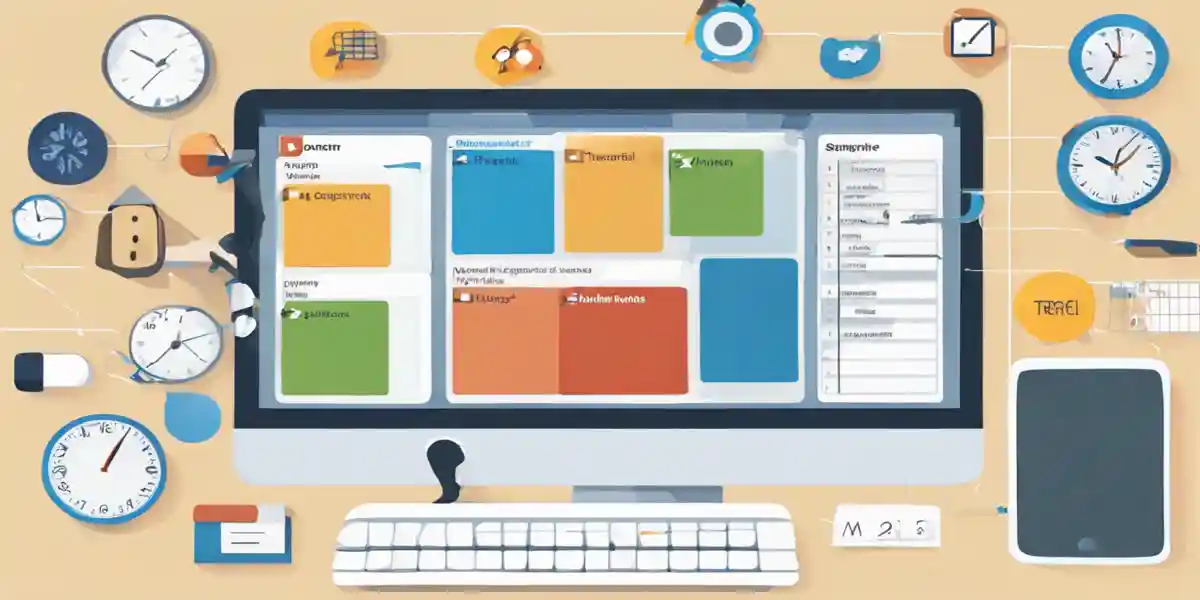
When it comes to mastering your day, having the right tools at your disposal can make all the difference. Essential time management tools are designed to help you regain control over your schedule, streamline your tasks, and ultimately, enhance your productivity. Let's delve into some of the most effective tools that can serve as your allies in the quest for better time management.
The concept of a "Personal Productivity Dashboard" is a game-changer for visual learners and anyone who thrives on organization. Imagine having a central hub where all your tasks, deadlines, and priorities are laid out in a clear and concise format. Tools like Trello and Asana allow users to create customizable boards or lists that can be tailored to reflect their unique workflow. For instance, in Trello, you can create boards for different projects, use cards to represent tasks, and categorize them using labels for urgency or importance. This visual representation not only helps in tracking progress but also in prioritizing tasks effectively.
If you prefer a more hands-on approach, Google Sheets can be an invaluable tool for time management. With its flexibility, you can design a tracking system that suits your specific needs. For example, consider creating a weekly planner template where you can input your tasks, estimated completion times, and actual time spent on each task. This not only helps in planning but also in identifying patterns in your productivity. You might find that you're more productive in the mornings or that certain tasks take longer than anticipated, allowing you to adjust your schedule accordingly.
Understanding how you spend your time is critical for effective time management. Applications like RescueTime and TimeAware provide insights into your daily habits. TimeAware, for instance, includes an ambient widget that promotes self-awareness regarding your computer usage. It allows you to visualize how much time is spent on productive versus distracting activities, helping you to make informed decisions about where to allocate your time. This kind of feedback can be particularly useful for those who struggle with distractions, as it encourages a more mindful approach to time management.
For teams and collaborative projects, task management tools such as Monday.com and ClickUp facilitate not just task assignment but also project planning and progress tracking. These tools support team communication and resource sharing, making it easier to keep everyone on the same page. For instance, Monday.com allows users to visualize tasks with timelines and deadlines, ensuring that nothing slips through the cracks. The ability to comment directly on tasks also enhances collaboration, making it easier to address questions or updates in real-time.
While not a tool in the traditional sense, the Eisenhower Matrix is a powerful method for prioritizing tasks. You can easily integrate this technique into any of the aforementioned tools. By categorizing tasks into four quadrants based on urgency and importance, you can quickly determine which tasks warrant immediate attention and which can be scheduled for later. This not only helps in focusing on what truly matters but also minimizes the risk of burnout by preventing overcommitment.
Another effective technique is the Pomodoro Technique, which breaks work into intervals, typically 25 minutes in length, separated by short breaks. Tools like Focus@Will or even simple timers can help you implement this strategy. By creating a structured work session, you can improve focus and reduce the mental fatigue that often accompanies longer, unbroken work periods. This method encourages regular breaks, allowing your mind to recharge and ultimately leading to better productivity.
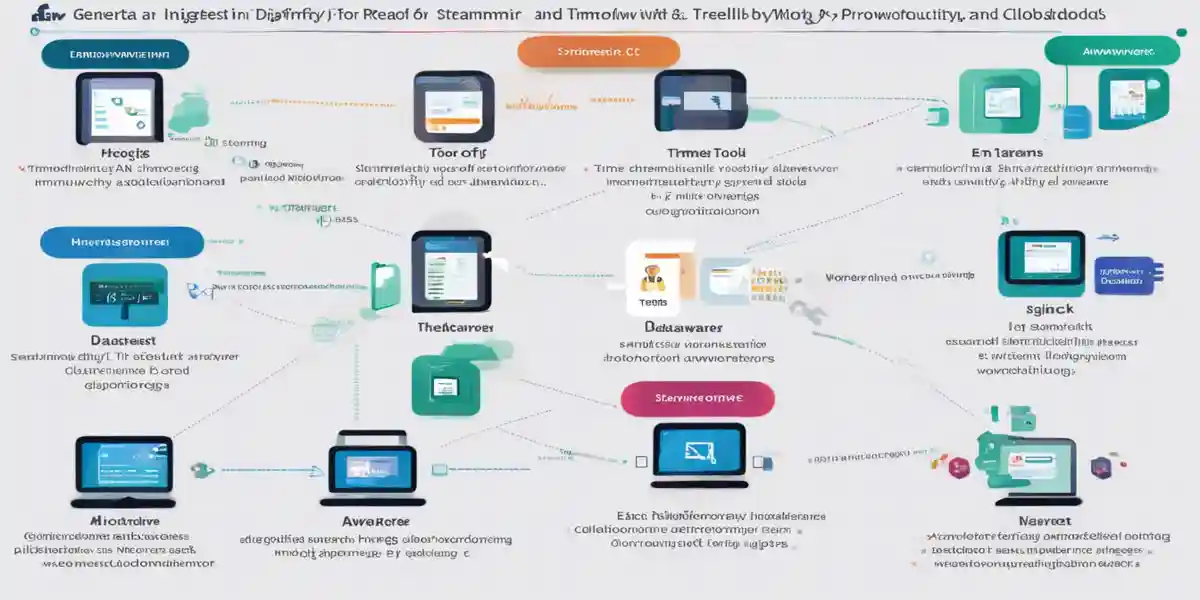
In today’s fast-paced environment, digital tools have become essential allies in the quest for productivity. They not only help streamline workflows but also provide valuable insights that can transform the way we manage our time. Below, we'll explore several digital tools that can enhance your productivity, focusing on their unique features and how they can be effectively integrated into your daily routine.
Imagine having a single platform where you can visualize your tasks, prioritize them, and allocate time effectively. This is the essence of a Personal Productivity Dashboard. Tools like Trello, Asana, and Notion serve as dynamic hubs that integrate various time management strategies. For instance, Trello uses boards, lists, and cards that allow you to break down your projects into manageable tasks visually. You can easily move tasks across different lists to reflect their current status, making it a fantastic tool for both individual and team projects.
Collaboration is key for many professionals, especially in team settings. Tools like Slack and Microsoft Teams not only facilitate communication but also allow for seamless sharing of resources and ideas. By integrating these platforms with project management tools, you can assign tasks, track progress, and ensure everyone is aligned. For example, Asana allows you to assign tasks to team members and set deadlines, which can improve accountability and streamline workflow.
Understanding how you spend your time is crucial for improving productivity. Tools like Clockify and Harvest offer time tracking capabilities that provide insights into where your time goes. They can be particularly useful for freelancers and teams who bill by the hour. For example, Clockify allows users to categorize their time entries based on specific projects or tasks, giving you a clear picture of your productivity over time. Coupled with calendar applications like Google Calendar, these tools enable you to schedule your tasks efficiently and set reminders to keep you on track.
Innovative tools like TimeAware introduce an interesting approach to productivity through self-monitoring. This system offers a web-based dashboard that visualizes your computer usage, helping you identify patterns in your work habits. According to research, users who engaged with TimeAware’s ambient widget found an increase in self-awareness regarding their productivity levels. By framing your computer usage positively or negatively, as the study indicates, you can significantly influence your productivity. This kind of feedback loop is invaluable for making conscious adjustments to how you manage your time.
Employing productivity techniques alongside these digital tools can amplify their effectiveness. For example, using the Eisenhower Matrix within your task management tool allows you to categorize tasks by urgency and importance easily. This enables you to focus on what truly matters. Similarly, the Pomodoro Technique, where you work for 25 minutes followed by a 5-minute break, can be tracked using digital timers integrated into applications like Focus Booster. These techniques, when combined with digital tools, create a robust system that enhances focus and efficiency.
In wrapping up our exploration of productivity through time management, we’ve seen how mastering your day is not simply about getting more done; it’s about making conscious choices that align your tasks with your goals. We began by understanding the fundamentals of time management, emphasizing the importance of prioritization, setting clear objectives, and the power of self-monitoring. The use of frameworks like the Eisenhower Matrix and the SMART criteria can transform chaos into clarity, allowing you to navigate your responsibilities with purpose.
We then delved into essential tools—both digital and physical—that can enhance your productivity. From personal productivity dashboards like Trello and Asana to time tracking applications such as RescueTime and Clockify, these tools serve as your partners in efficient time management. They help you visualize tasks, track progress, and make informed adjustments based on real data. In addition, we explored effective time management sheets, which provide structured overviews of your daily, weekly, and monthly tasks, enabling you to maintain focus and accountability.
Ultimately, the journey toward mastering your time is ongoing. It involves regular reviews and adjustments to ensure your strategies evolve alongside your personal and professional life. By actively engaging with these concepts and tools, you can cultivate a habit of productivity that not only enhances your efficiency but also enriches your overall quality of life.
So, as you step away from this post, I invite you to reflect: What small changes can you implement today to take control of your time? Whether it’s selecting a new tool, setting a SMART goal, or simply prioritizing your tasks more effectively, every step counts. Remember, productivity is not just about doing more; it’s about doing what truly matters. What will your next move be?

Get notified about new articles, coffee tips, and Web3 insights.
This site participates in affiliate programs and may earn a commission when a link is clicked and a purchase is made. The site is not responsible for any issues or troubles related to the products or services purchased through the use of this site.

DO&COFFEE loves coffee and technology, exploring the potential of NFTs and blockchain. Learn more →
DO&COFFEE loves coffee and technology, exploring the potential of NFTs and blockchain. Learn more →